Capital One Shopping
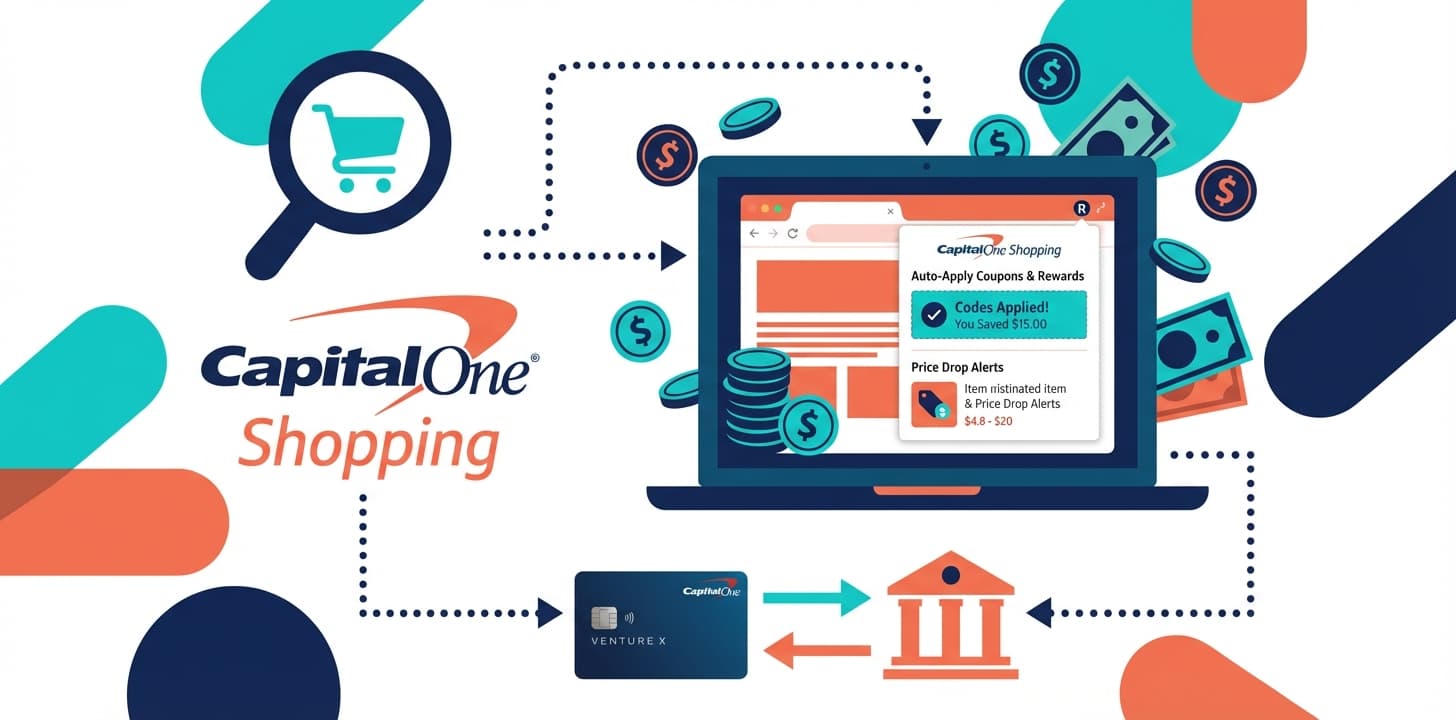
In our Shopping Portals 101 guide, we covered how shopping portals can save you money on purchases you're already making. Today we're diving deep on Capital One Shopping, a tool that takes a fundamentally different approach than traditional portals like Rakuten.
Where Rakuten focuses on cash back, Capital One Shopping focuses on finding you the lowest price and the best available coupons automatically. Both belong in your toolkit.
What Makes Capital One Shopping Different
Capital One Shopping (formerly Wikibuy) is a free browser extension owned by Capital One. Despite the name, you don't need a Capital One credit card or bank account to use it.
The platform operates on three core functions:
- Automatically finds and applies coupon codes at checkout
- Compares prices across retailers in real-time
- Offers cash back on select purchases (called "Shopping Rewards")
Key distinction: While Rakuten pays you a percentage of what you spend, Capital One Shopping tries to reduce what you spend in the first place, then adds cash back on top.
This makes it fundamentally different from traditional shopping portals.
The Three Core Features
1. Automatic Coupon Finding
This is Capital One Shopping's primary value proposition. When you're checking out at a supported retailer, the extension automatically detects your shopping cart and searches for applicable coupon codes.
How it works:
- Extension detects you're at checkout
- Automatically tests available coupon codes
- Applies the best one (or combination)
- Shows you how much you saved
No manual searching. No copying and pasting codes from sketchy coupon sites. No wondering if you missed a better code.
Real-world scenario: Checking out at Old Navy with $120 in your cart. Capital One Shopping pops up, tests 14 coupon codes in about 30 seconds, finds one that works for 25% off, applies it automatically. Your total drops to $90. You saved $30 without doing anything.
This happens at thousands of retailers including clothing stores, electronics sites, subscription services, and food delivery apps.
2. Price Comparison Across Retailers
Before you buy, Capital One Shopping scans other retailers to see if the same product is available cheaper elsewhere.
Example workflow:
- You're looking at headphones on Best Buy for $149
- Capital One Shopping shows a notification: "Found this item at Amazon for $129"
- Click the notification to open Amazon's page
- Purchase at the lower price
The extension recognizes products by UPC, model number, or product description. It works best for standardized products (electronics, appliances, branded items) and less effectively for unique or handmade items.
This feature particularly shines when shopping for:
- Electronics and appliances
- Books and media
- Name-brand clothing and shoes
- Toys and games
- Office supplies
3. Shopping Rewards (Cash Back)
Capital One Shopping offers cash back at select retailers, similar to Rakuten. However, the retailer network is smaller and rates are typically lower.
How rewards work:
- Activate Shopping Rewards before checkout
- Earn percentage-based cash back
- Rewards accumulate in your Capital One Shopping account
- Redeem as statement credit (if you have a Capital One card) or gift cards
Important distinction: If you have a Capital One credit card, rewards can be redeemed as statement credits directly against your card balance. If you don't have a Capital One card, you redeem for gift cards to retailers like Amazon, Target, or Starbucks.
Minimum redemption is typically $25 in rewards.
Capital One Shopping vs Rakuten: When to Use Which
Both tools serve different purposes. The optimal strategy: install both and let them work together.
Use Capital One Shopping when:
- Shopping at retailers with frequent coupon codes (clothing, food delivery, subscription boxes)
- Buying standardized products where price comparison matters (electronics, appliances)
- You want the lowest purchase price first, cash back second
Use Rakuten when:
- Cash back rate significantly exceeds Capital One Shopping
- Shopping at retailers that rarely offer coupon codes
- Booking travel or buying event tickets (typically better rates)
- Using in-store or dining cash back features
Use both simultaneously:
- Install both browser extensions
- Capital One Shopping finds coupons and compares prices
- Check which platform offers better cash back rate
- Activate the better cash back option
- Complete purchase with coupon applied and cash back activated
The extensions don't conflict. They work independently and can both provide value on the same purchase.
Read our full Rakuten guide to understand how the two platforms complement each other.
Stacking Capital One Shopping With Credit Cards
Like all shopping portals, Capital One Shopping stacks with credit card rewards and store sales.
Strategic example:
Dick's Sporting Goods purchase during Q4 when Chase Freedom's rotating category is sporting goods:
- Capital One Shopping finds 20% off coupon code
- Capital One Shopping offers 2% cash back
- Chase Freedom offers 5% category bonus
- Dick's is running a sale: 15% off clearance
On a $100 clearance item:
- Sale price: $85
- Coupon code: Additional 20% off ($68 final)
- Chase Freedom: $3.40 (5% of $68)
- Capital One Shopping: $1.36 (2% of $68)
- Net cost: $63.24 for a $100 item
Everything stacks independently. The coupon doesn't reduce your credit card rewards. The cash back doesn't affect the coupon. The sale doesn't impact either.
Learn more about maximizing credit card category bonuses in our Credit Cards 101 guide.
Where Capital One Shopping Excels
Clothing and Apparel Retailers
Clothing sites (Old Navy, Gap, J.Crew, Macy's, Nordstrom Rack) constantly run promotions with coupon codes. Capital One Shopping automatically finds and applies these codes without you searching for them.
This is where the extension provides the most consistent value. Apparel retailers rotate codes weekly or even daily.
Food Delivery and Subscription Services
DoorDash, Uber Eats, Grubhub, HelloFresh, and similar services frequently offer promotional codes for new and existing users. Capital One Shopping automatically tests available codes at checkout.
Electronics and Appliances
Price comparison shines for standardized products. If you're buying a specific TV model, dishwasher, or laptop, Capital One Shopping scans competitors to ensure you're getting the best available price.
Recurring Purchases
For subscriptions or regular purchases from the same retailers, Capital One Shopping learns your shopping patterns and notifies you when prices drop or new coupons become available.
Where Capital One Shopping Falls Short
Cash Back Rates
Rakuten typically offers higher cash back percentages. If cash back is your primary goal, Rakuten usually wins.
Capital One Shopping's strength is coupons and price comparison, not cash back maximization.
Travel Bookings
Travel booking sites rarely offer coupon codes, and Capital One Shopping's cash back rates on travel are typically lower than Rakuten or travel-specific portals.
For travel rewards strategies, see our Travel Hacking 101 guide.
In-Store and Dining
Capital One Shopping is exclusively online. There's no in-store cash back feature or dining rewards program. Rakuten offers both.
Smaller Retailers
The coupon database focuses on major retailers. Small independent shops or niche sites may not have comprehensive coverage.
Common Questions and Concerns
"Do I need a Capital One credit card?"
No. Despite the name, Capital One Shopping works for anyone. You don't need any Capital One products.
The only difference: Capital One cardholders can redeem rewards as statement credits. Non-cardholders redeem for gift cards.
"Will it slow down my checkout?"
The coupon-finding process takes 15-45 seconds depending on how many codes exist. You can skip it and proceed to checkout immediately if you're in a hurry.
Most users find the potential savings worth the brief wait.
"How does it compare prices?"
The extension scans product identifiers (UPC, model number, product title) against its database of retailer prices. It's most accurate for standardized products with clear identifiers.
For unique items (handmade, custom, vintage), price comparison is less reliable.
"Can I use it with other extensions?"
Yes. Capital One Shopping works alongside Rakuten, Honey, and other shopping extensions. Install multiple and use whichever provides the best value for each purchase.
"Is my data secure?"
Capital One Shopping is owned by Capital One Financial Corporation, a regulated financial institution with established security infrastructure. The extension can see your browsing on shopping sites to detect products and prices.
Review their privacy policy if you have specific data concerns. Like all browser extensions, it requires certain permissions to function.
Implementation Guide
Setup steps:
-
Install extension - Available for Chrome, Safari, Edge, and Firefox. Visit Capital One Shopping's website or your browser's extension store.
-
Create account - Requires email address. No Capital One products necessary.
-
Set preferences - Choose notification settings. Most users keep automatic coupon finding enabled and price comparison alerts on.
-
Make first purchase - Shop normally. Extension activates automatically at supported retailers.
-
Set up rewards redemption - If you have a Capital One card, link it for statement credit redemption. Otherwise, choose gift card options.
Optional configurations:
- Enable price drop alerts for items you're watching
- Set preferred retailers for price comparisons
- Adjust notification frequency
Expected Savings
Coupon savings vary dramatically based on shopping patterns. Users who shop frequently at apparel retailers see the most value.
Conservative estimates:
- Apparel shoppers: $200-400 annually in coupon savings
- General online shoppers: $100-200 annually
- Occasional shoppers: $50-100 annually
Cash back earnings:
- Moderate shoppers: $50-100 annually
- Active shoppers: $100-200 annually
Total annual value typically ranges $150-600 depending on shopping frequency and retailer mix.
The real value is coupon automation. The time saved not searching for codes manually compounds significantly over a year.
Strategic Usage Tips
Compare Before Every Purchase
Install both Capital One Shopping and Rakuten. Before checkout:
- Let Capital One Shopping find coupons
- Compare cash back rates between platforms
- Activate the better cash back option
- Complete purchase
This takes 60 seconds and ensures maximum savings.
Monitor Price Drop Alerts
For expensive purchases you're planning (furniture, electronics, appliances), add items to your Capital One Shopping watchlist. You'll receive alerts when prices drop.
This is particularly valuable for non-urgent purchases where you have flexibility on timing.
Stack With Credit Card Categories
Check your credit card's quarterly bonus categories. When Capital One Shopping finds a coupon for a retailer in your bonus category, you maximize both coupon savings and credit card rewards.
See our Credit Cards 101 guide for category optimization strategies.
Use for Subscription Management
Capital One Shopping tracks recurring subscriptions and notifies you of price changes or available coupons. This helps identify subscription cost increases and find promotional pricing.
Bottom Line
Capital One Shopping serves a different purpose than traditional cash back portals. Its strength is automated coupon finding and price comparison, not cash back maximization.
The optimal strategy: install both Capital One Shopping and Rakuten. Use Capital One Shopping for coupon discovery and price checking. Use whichever platform offers better cash back on that specific purchase.
Setup requires 5 minutes. The extension operates automatically. The coupon automation alone typically saves more than enough to justify installation.
For families optimizing shopping rewards, Capital One Shopping fills a specific niche: finding the lowest price and best available coupon automatically, then adding cash back on top.
Check our Rewards page for current shopping portal recommendations, or read our Shopping Portals 101 guide to understand how shopping portals fit into your overall rewards strategy.
Next Steps:
- Install Capital One Shopping extension
- Create account and set preferences
- Install Rakuten if you haven't already
- Make your first purchase with both extensions active
- Compare the results and adjust your strategy